dev4people
New on the Mac App Store

Screenshots
that sell.

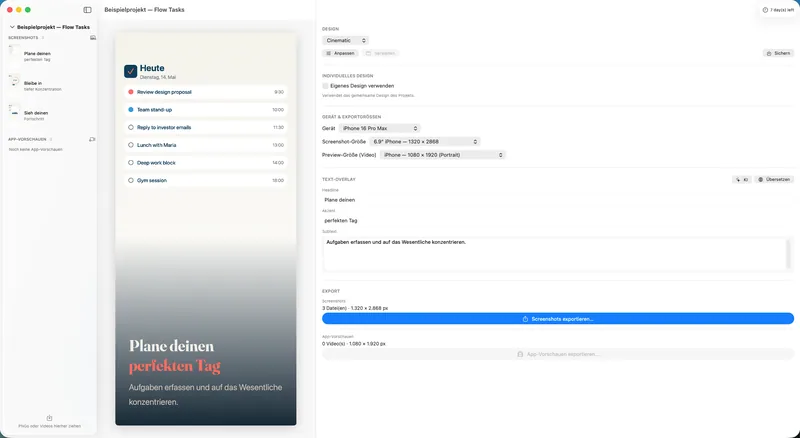
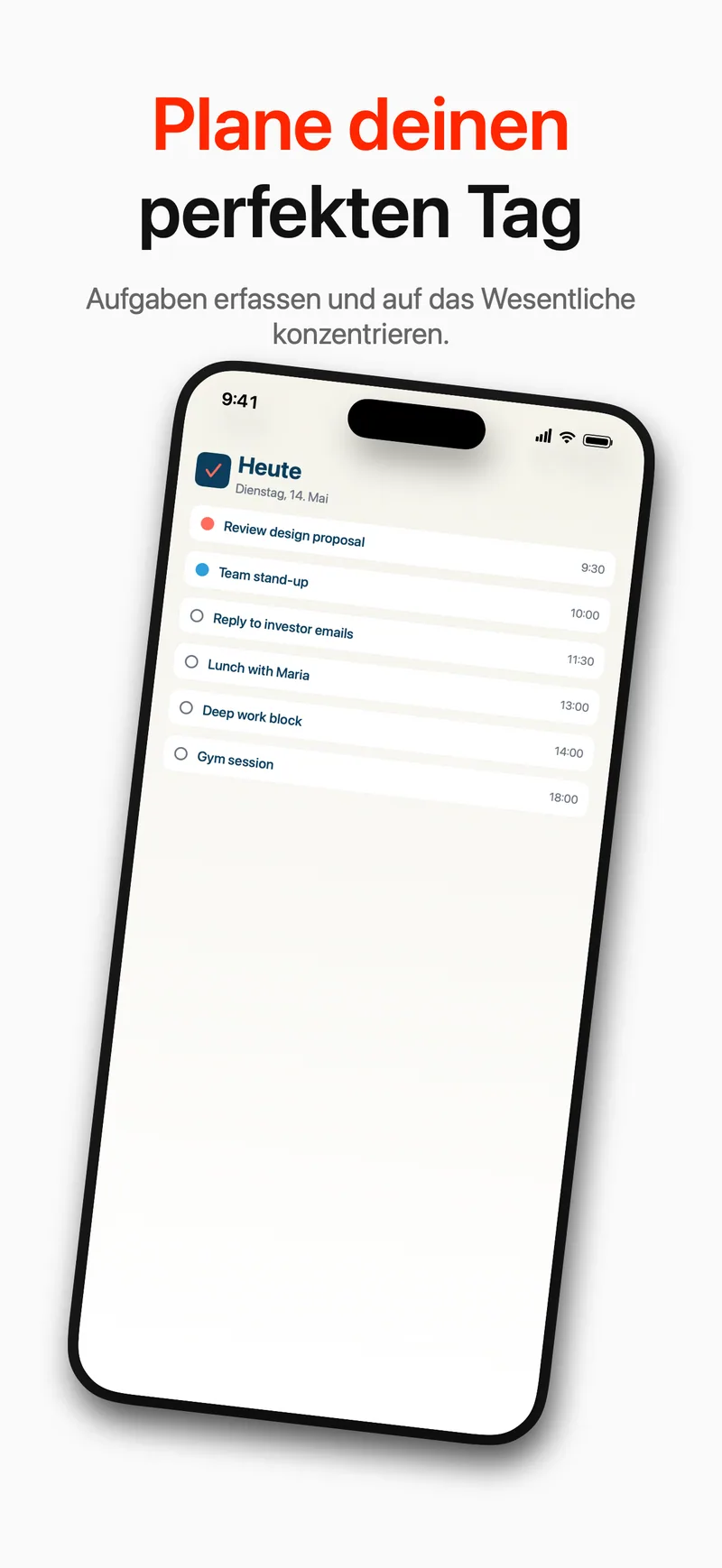
Screenshots is the editorial App Store visual designer for Mac. Drop in a screenshot, pick a template, write a headline — your App Store assets are ready. From raw screenshot to sales pitch in minutes, not hours.

Get it on the Mac App Store Read before you buy · User guide
macOS Universal · Apple Silicon & Intel
Screenshots App — Editor

In three steps to an App Store asset.

No Photoshop, no random templates from the web, no 27 tabs open. Three steps — done.

1

Import a screenshot

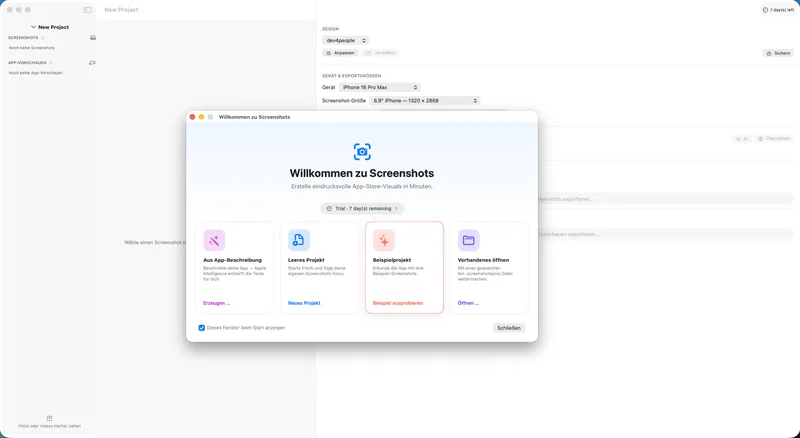
Raw simulator screenshot, an iPhone capture, or the sample project — all work. You can even start from your App Store description.

2

Pick a template

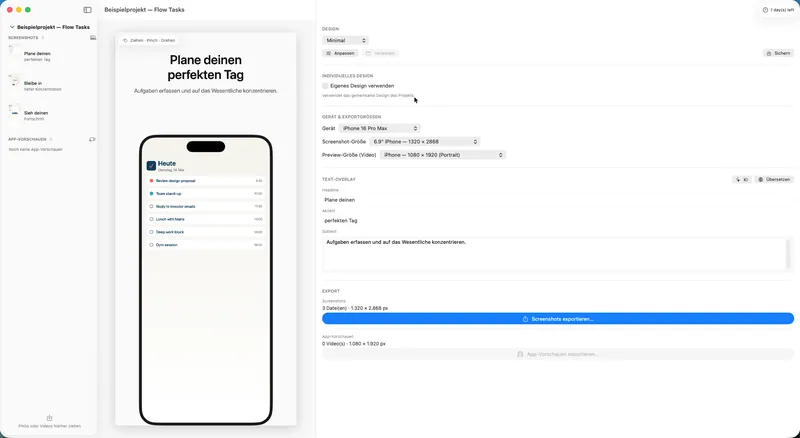
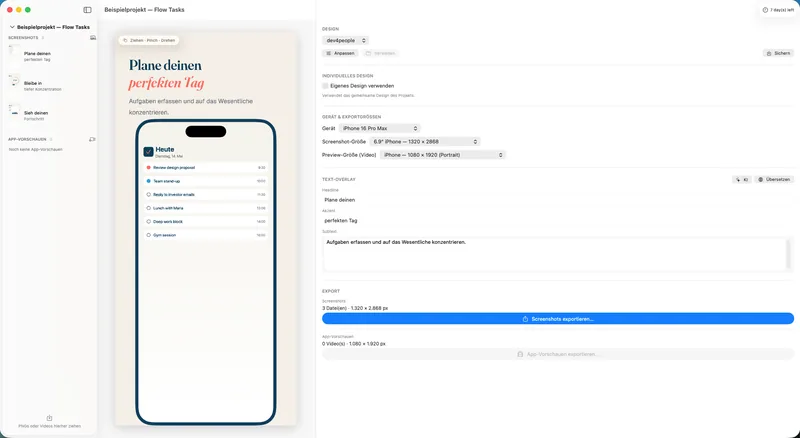
Nine editorial layouts to choose from. Write a headline, tweak the sub-line, set the device frame — typography, colors, and position fall into place instantly.

3

Export

Right in the correct App Store size — iPhone, iPad, Mac. All languages at once. Drag & drop into App Store Connect.

Everything an indie needs.

Built because we needed it for our own apps.

🎨

Editorial templates

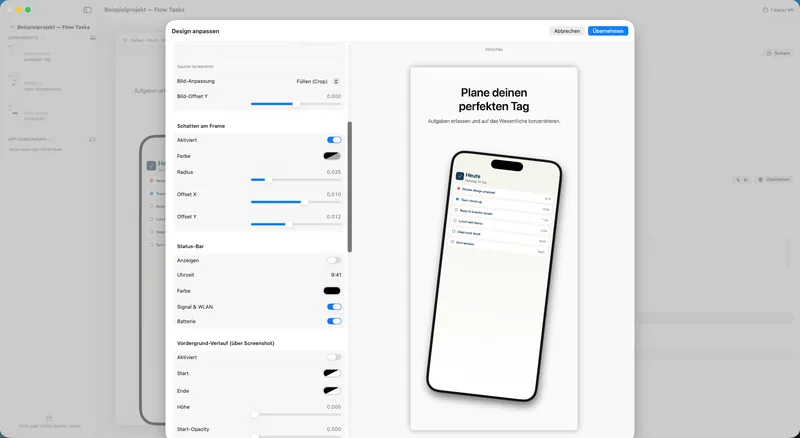
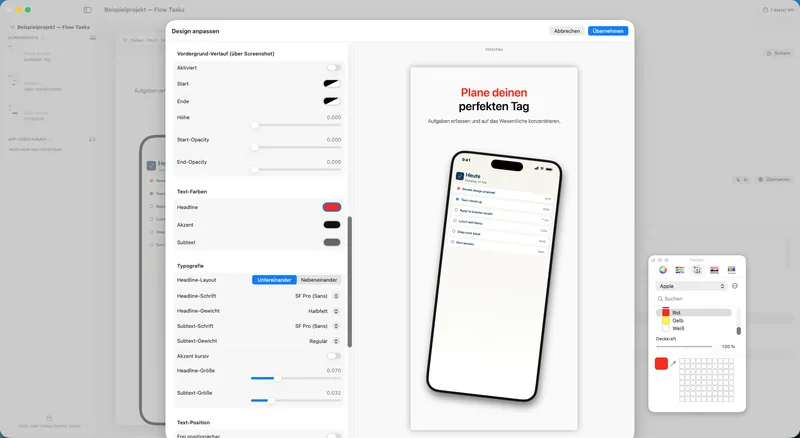
Nine hand-crafted layouts. Each template works out of the box — and is customizable down to the smallest detail: typography, colors, position, background.

📱

Device frames

iPhone, iPad, and Mac frames at the correct App Store resolutions. Status bar, notch, Dynamic Island — all included, all up to date.

🌐

Multilingual export

One file, every language. Enter headlines per locale, export once — DE, EN, and any other asset set is ready.

✏️

Save your own layouts Pro

With Screenshots Pro, save your own templates as presets — reusable across projects. Your style guide in a single file.

⚡

Native macOS app

SwiftUI, optimized for Apple Silicon. No Electron lag, no browser tab, no account required. Open it, work, done.

🔒

Stays on your Mac

No cloud, no tracking, no account. Your screenshots and headlines never leave your Mac — you stay in control.
Ready for screenshots that sell?

Get Screenshots free on the Mac App Store and ship your next asset set today.

Free on the Mac App Store
Manual

The manual as a PDF.

Everything the app can do — read it calmly, offline and print-friendly.

The user guide

11 pages · six parts

From the first launch to a finished export. Part 1 is the first ten minutes — that is all you need to get a set of App Store images out. The rest covers designing, the AI features, app previews and the trial. With keyboard shortcuts and an FAQ that answers the questions App Store Connect would otherwise ask for you.

Open PDF

PDF · 0.2 MB · 11 pages · 2 languages

Everything about the manuals →

More about this app